Meeting 7
MC: Martin
Tomorrow: Josue
LVL2
Progress Presentation: Monday, July 7
This will include your team progress, and any progress you are making with personal projects.
LVL1
Your game designer websites
Email me the following, if you haven't already:
- Designer name (it can be your real name, a gamer name, or an invented name)
- Slogan/tagline
- A graphic
- A background color
- A text color
* Use hex# codes for color.
** You can send me a background image instead of a color, if you prefer.
Construct 3
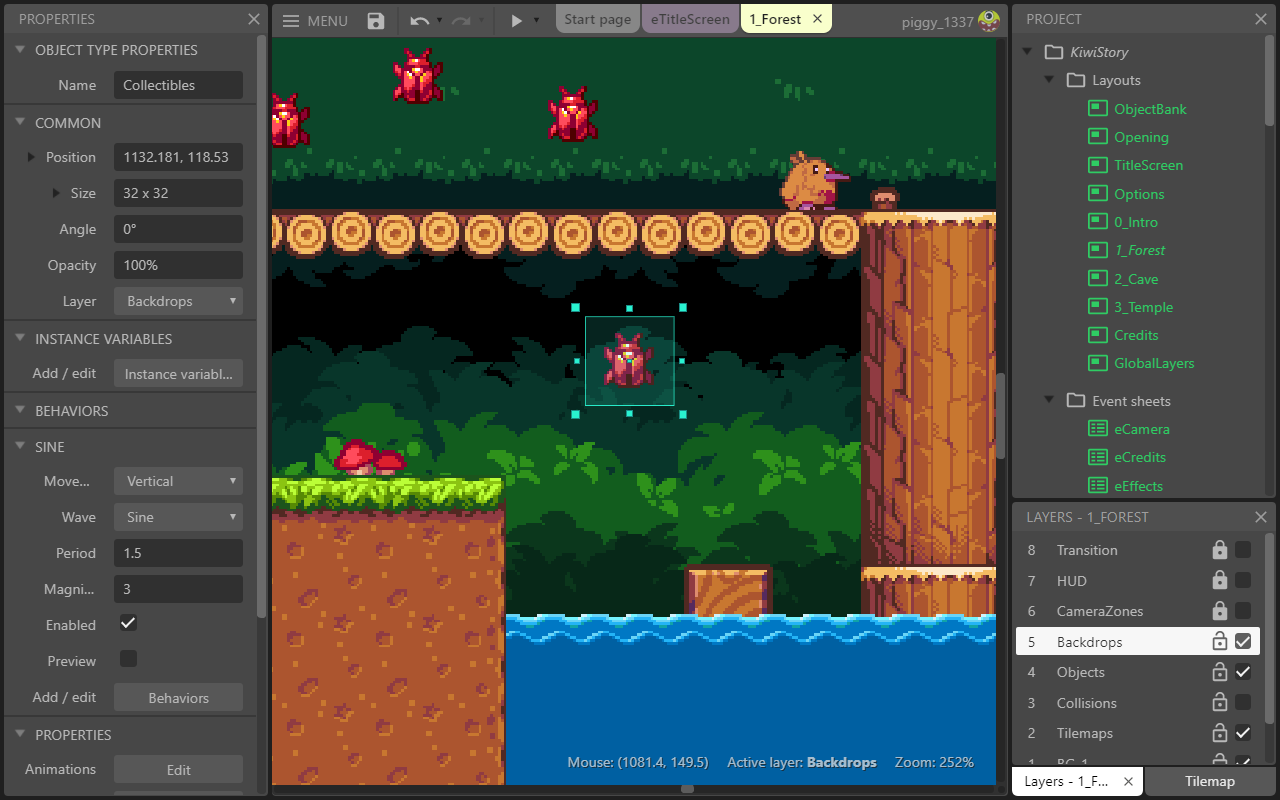
Getting access to Construct 3:
- Go to editor.construct.net
- Click Free Edition (top right corner)
- Select Enter Access Code
Finding game assets (graphics)
When you use search engines to find images, include "png" and in the search query. Then click Tools >> Color >> Transparent
Some resources
Image editors
These are helpful if your game graphics include your own photography, or scanned/photographed drawings.
Glitch effects
Online painting
Computer operating systems tend to have some good built-in software, but here are some others.
Platformer demo
This second tutorial will show you how to create a platformer game with multiple screens.
Download game assets: simple-platformer-img.zip
This demo is also available on video on the Construct video tutorials page.
Let's add some shooting squirrels!
Download this image to your platformer folder:

Let's add a SDTK!
Download one of these audio files to your platformer folder:
Skyrim Theme Song.wav
Coconut Mall but you have anxiety.mp3
Megalovania but it has no melodies.mp3
Ronald McDonald insanity.mp3