Meeting 5
Icebreaker
Do you use/like AI?
Do you dislike it?
LVL2
Design Document
You will be putting this together and presenting it later today.
Before working
- Send me the team site link
- Send me any of your own website revisions
Progress Presentation: Monday, July 7
This will include your team progress, and any progress you are making with personal projects.
LVL1
BoingBoing: How Islam helped Pakistan become an esports hub
A counterpart to this video:
Pakistan's gaming industry is the perfect fit for women
Your game designer websites
Email me the following, if you haven't already:
- Designer name (it can be your real name, a gamer name, or an invented name)
- Slogan/tagline
- A graphic
- A background color
- A text color
* Use hex# codes for color.
** You can send me a background image instead of a color, if you prefer.
Character design presentations
Let's view your graphics today!
Construct 3
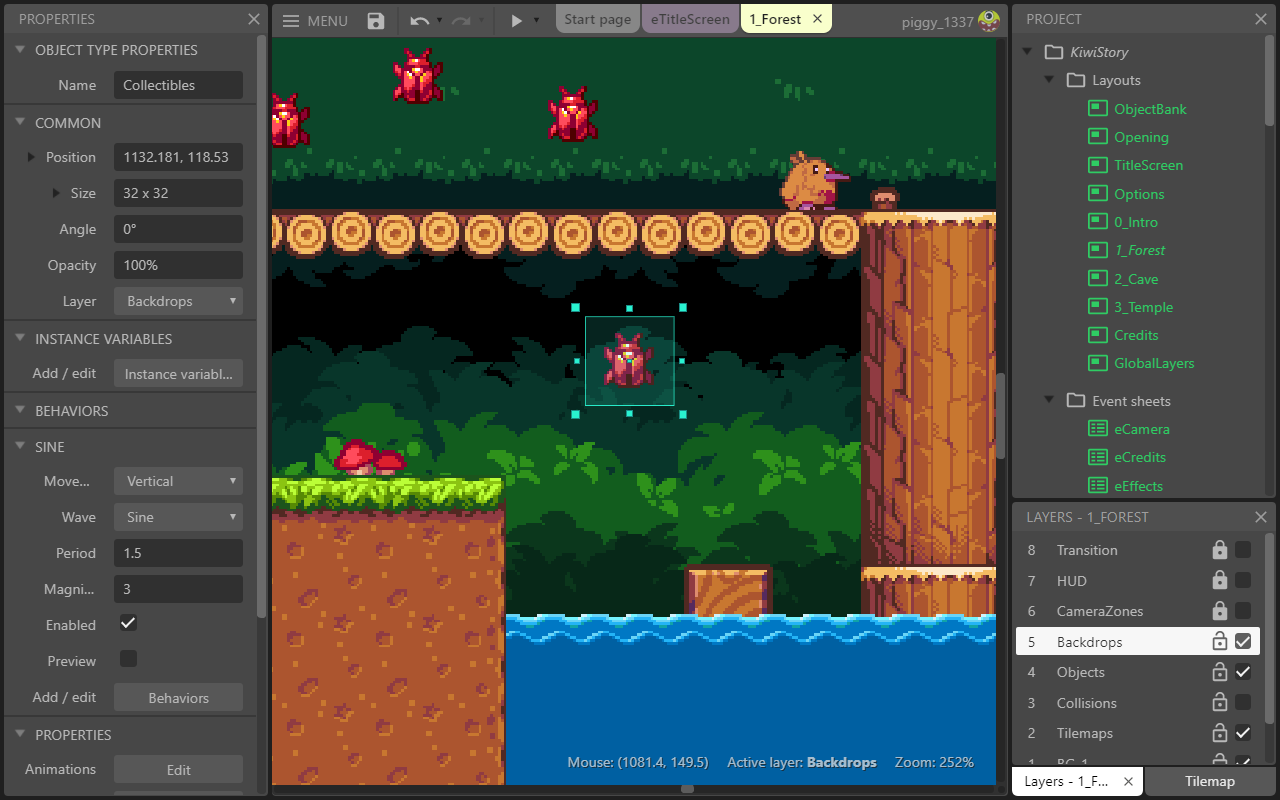
An example:
Hugo Merchan, Castle of Squirrels
Getting access to Construct 3:
- Go to editor.construct.net
- Click Free Edition (top right corner)
- Select Enter Access Code
Layout: design view for adding/positioning objects
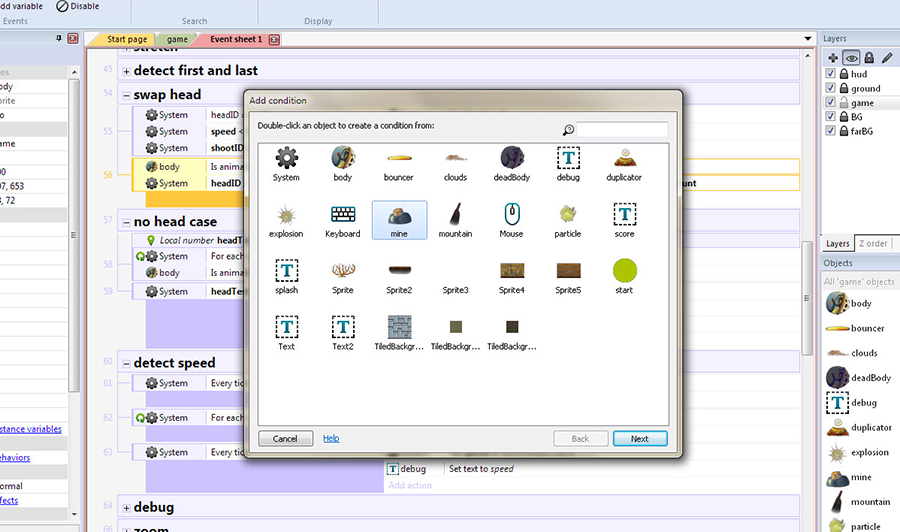
Objects: programmatic "things" that can be manipulated by code
Objects in Construct 3:
- the game itself (system object)
- programmatic capabilities (such as mouse access, keyboard access, etc.)
- background (tiles)
- images (sprites)
Behaviors: capabilities added to objects
Crash course demo
Download game assets: crash-course-img.zip
This demo is also available on video on the Construct video tutorials page.