Meeting 6
Question
Which MHA lab skill are you good at already?
Which skill could use more work?
Google accounts:
An email was sent to you with account credentials.
If you need help, contact supportteens@asmprograms.org
"Pending status"
This is different than "Pending enrollment" (you already took care of this).
This means that we are missing info/documents from you that we need to pay you.
Social security number: you can enter this in yourself, or have me help you.
Program Acknowledgement, Consent, and Release forms
(for parents/guardians)
These would have been sent to the adults already, but here are online copies:
PACR [PDF]
PACR (en Español) [PDF]
LVL2


Proposal presentations today!
(after snack break)
Proposal = paragraph + visual aid (sketch, inspiration images, etc).
If you are creating a solo project, then you will submit your own proposal.
If you are part of a team, then the team submits just one proposal.
LVL1
Game designer websites
Send me the following for your website, if you haven't already:
- Your game designer name (it can be your given name, or a nickname, or a name you just prefer)
- Your tagline / slogan
- An image to decorate your page
- A background color* **
- A text color*
* Look up a "color picker" in your browser, choose a color, and give me the hex-code (#______).
** You can send me a background-image if you prefer.
My email: erik.brown@asmprograms.org
Piskel
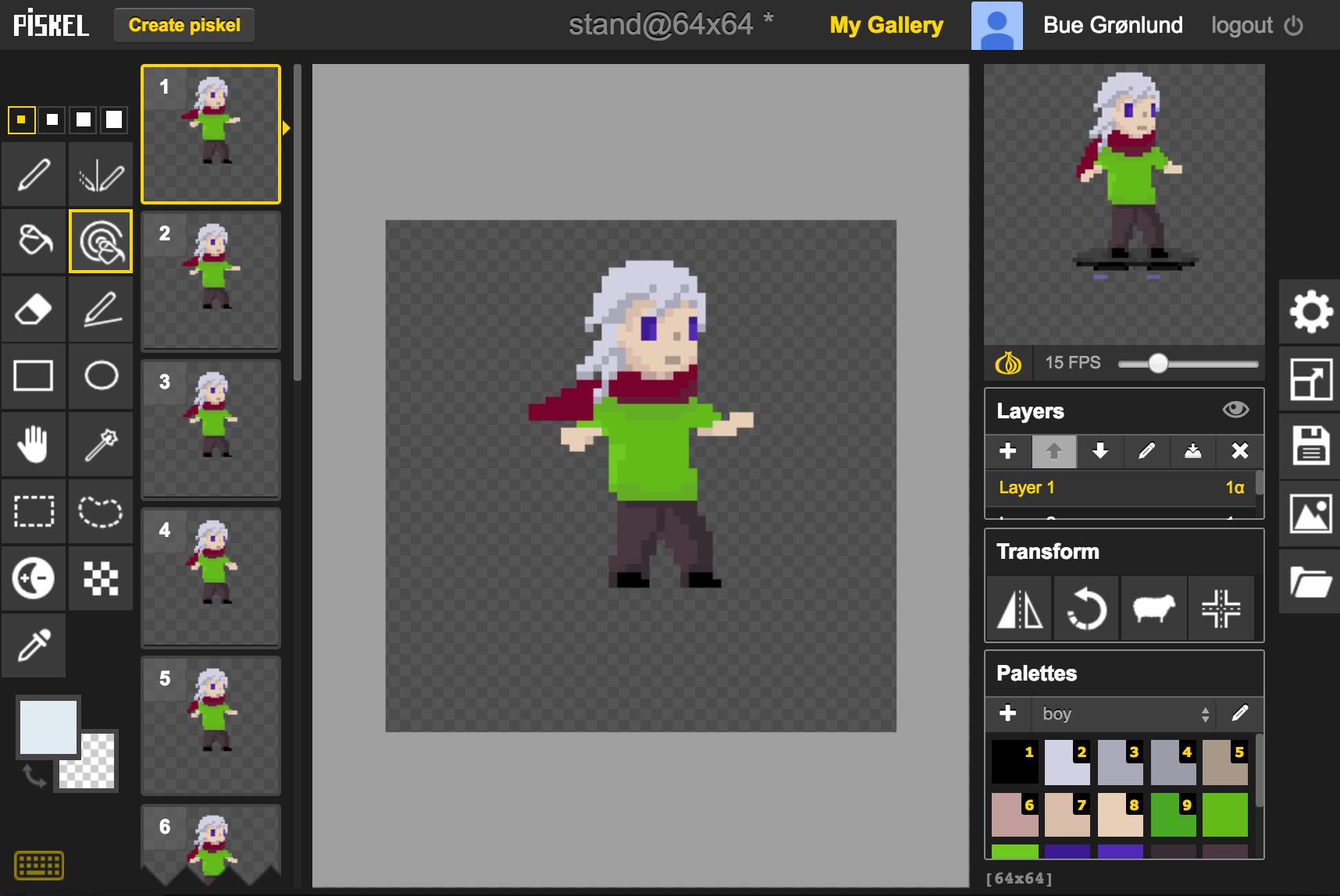
Methods for creating your avatar in Piskel
- Drawing freehand
- Tracing your own drawing that you have digitized
- Tracing a downloaded image or photo