Meeting 3
Question
Imagine the worst (SFW) video game that could ever be invented? Tell us about it.
Reminder
This coming Monday, March 2 is one of our program meetings
Google accounts:
An email was sent to you with account credentials.
If you need help, contact supportteens@asmprograms.org
"Pending status"
This is different than "Pending enrollment" (you already took care of this).
This means that we are missing info/documents from you that we need to pay you.
Social security number: you can enter this in yourself, or have me help you.
Program Acknowledgement, Consent, and Release forms
(for parents/guardians)
These would have been sent to the adults already, but here are online copies:
PACR [PDF]
PACR (en Español) [PDF]
LVL2


Have your first LVL2 meeting.
What will you propose for yourselves this term?
LVL2 members can team up (design office) or work solo, but what kinds of connections can happen between projects?
- Shared themes or characters
- Design challenge / contests
Method: form two discussion groups in the center space for brainstorming: good ideas, bad ideas, silly ideas. Then the two groups can become a supergroup to share ideas and possibilities.
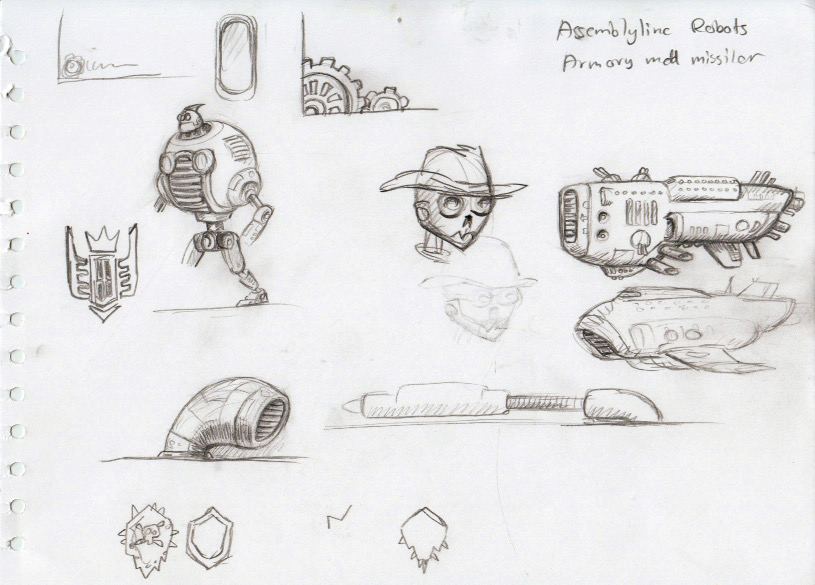
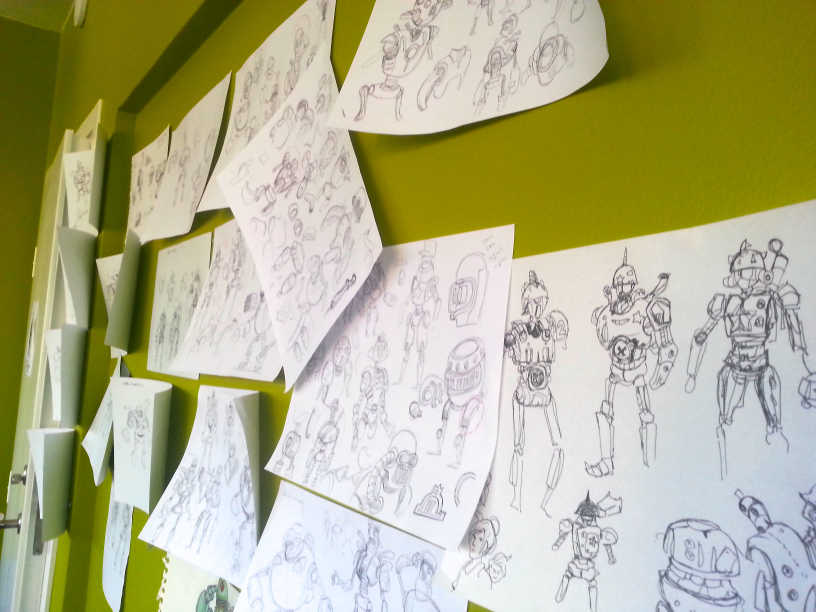
As you have your discussion, create visual aids: sketches of characters or levels, ideas jotted down, etc.
Consider: a LVL2 designer working on a solo project can also contribute to other team projects. For example: helping with sprites.
LVL1
Superpowers and Kryptonite
Write down your 3 superpowers.
Also, what is your Kryptonite?
Share these with a small group
Avatar Design
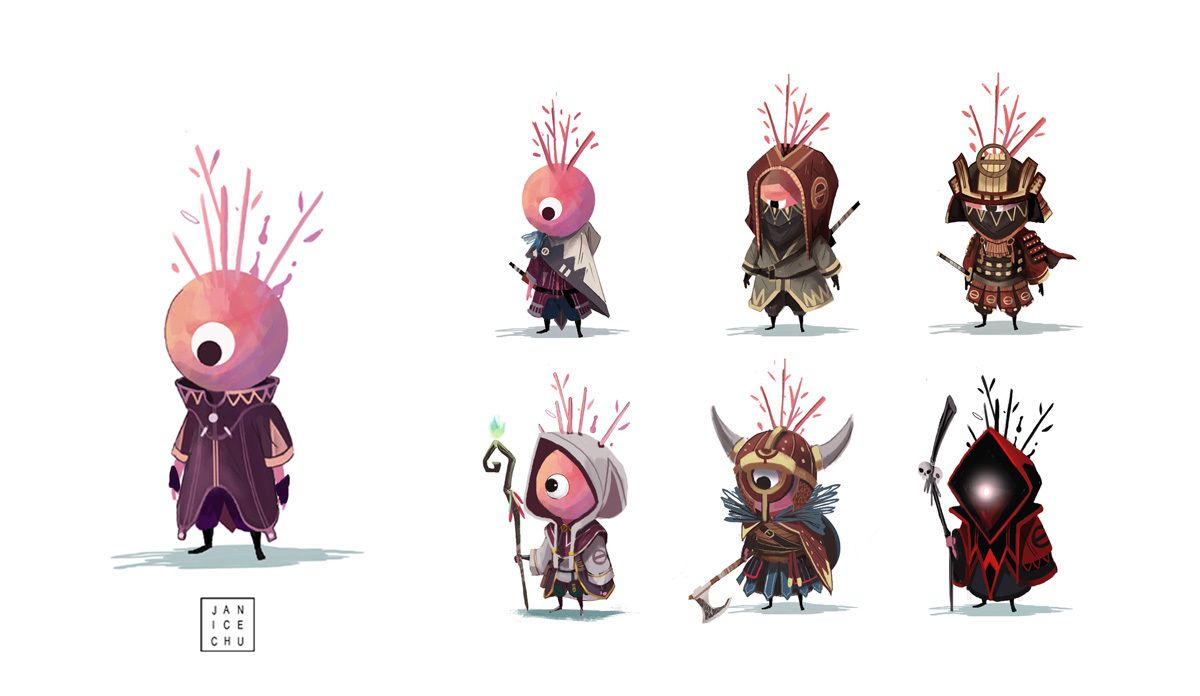
You will plan, design and create your own avatar. This avatar can be a person, animal, creature, robot or other object.
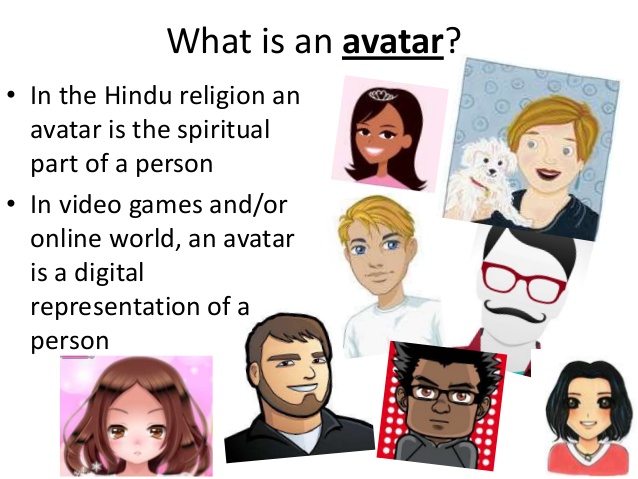
This character can be realistic, fantastic, supernatural, weird, etc.
Your character should share some of the following traits with you:
- Personality
- Likes/dislikes
- Strengths/weaknesses
- Goals
Also, think of 3 objects your avatar should have.
Character development
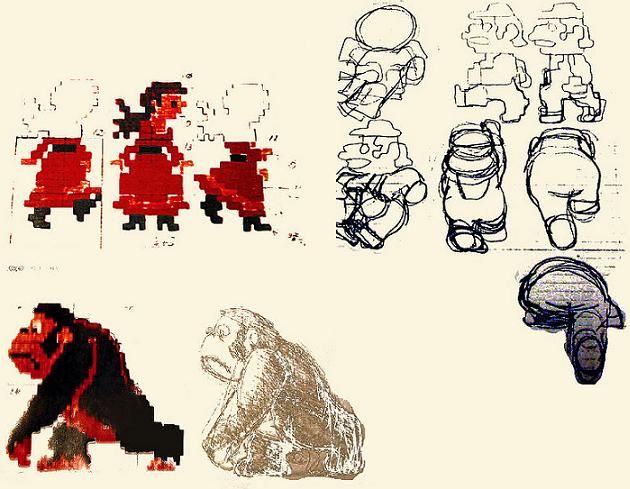
Concept art:
Piskel
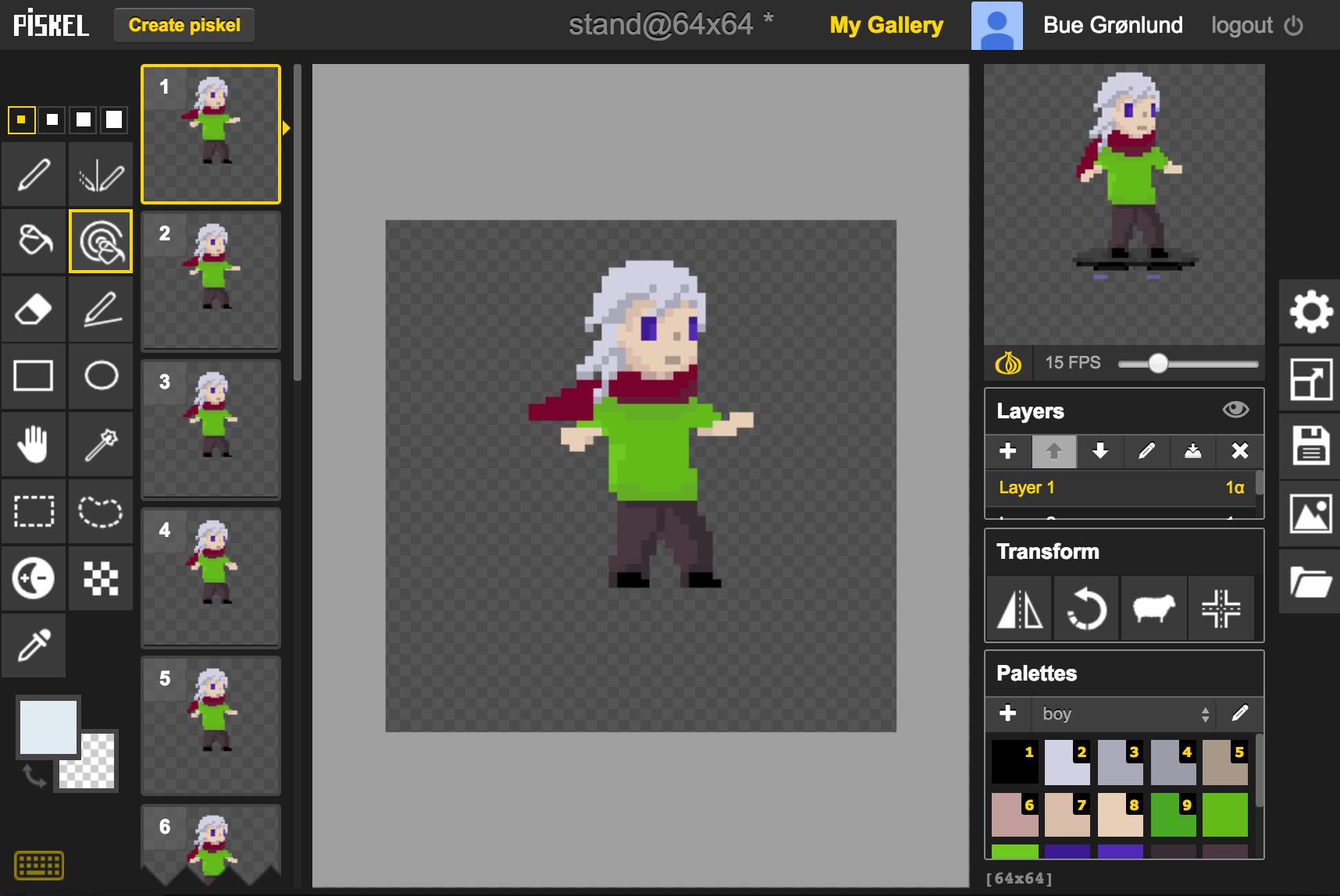
Methods for creating your avatar in Piskel
- Drawing freehand
- Tracing your own drawing that you have digitized
- Tracing a downloaded image or photo